
One workspace from upload to release
VizeDraw replaces the generic PDF workflow with a structured path: bring in drawing sets, organize them, review and mark up, compare revisions, and sign off — all in one place.
Drawings, not documents
Sheet numbers, disciplines, and revisions are first-class — the viewer is built around how drawing sets actually behave.
Review that stays on the sheet
Markups and comments anchor to the drawing and the grid location, so context never gets lost in an email thread.
Revision awareness everywhere
Every sheet knows its revision. Compare versions with overlay and pixel diff before approvals or fabrication release.
Search across the set
Find sheet numbers, notes, and metadata across the whole package instead of opening files one by one.
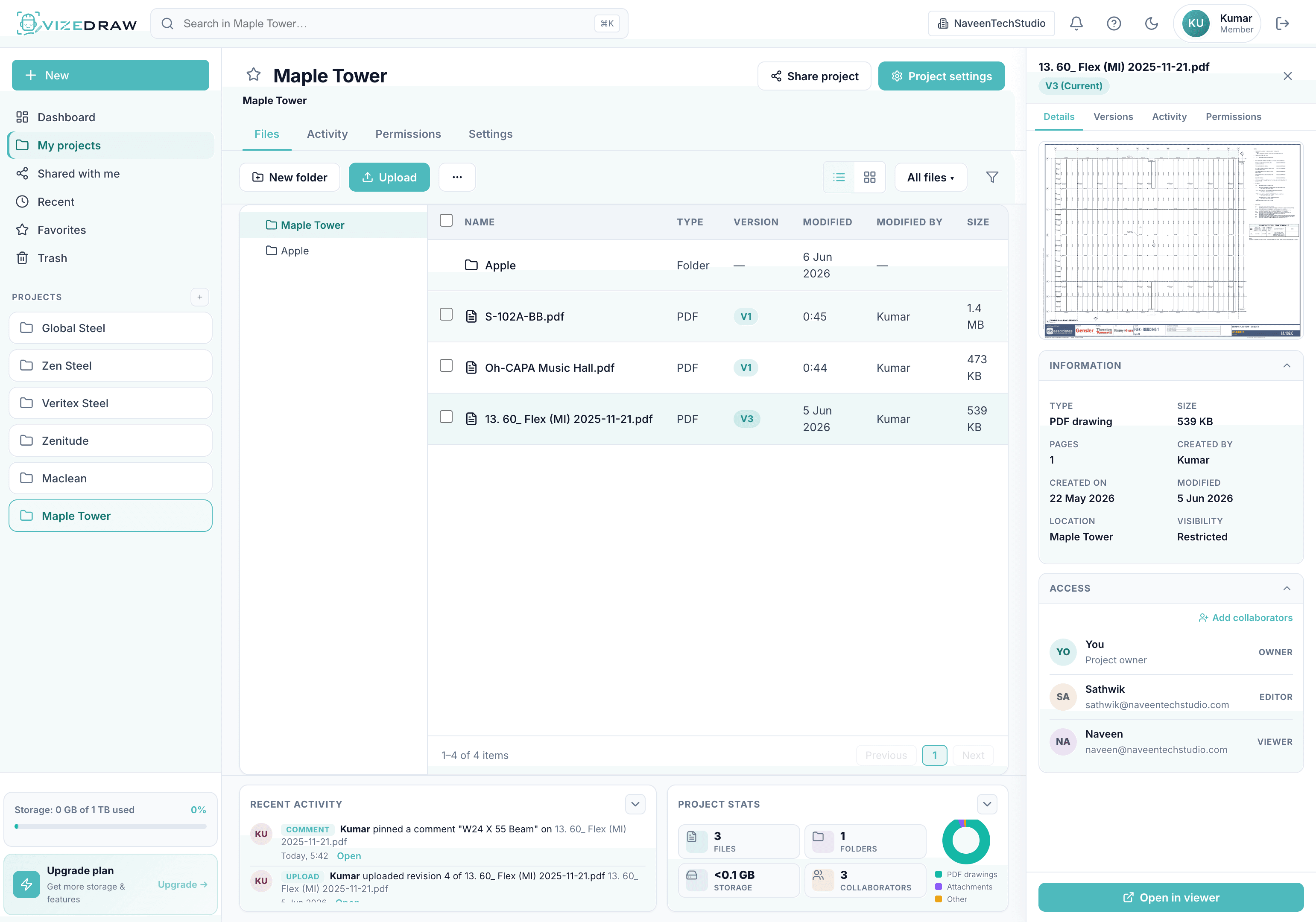
Everything in the workspace
A clear path from PDF to released drawing
Upload drawing sets
Bring PDF drawing packages into a structured workspace, not another shared drive folder.
Organize by project, package, revision, or discipline
Group sheets the way your team thinks: by trade, system, package, or review status.
Review and mark up drawings
Structured markups and comments stay attached to the sheet, not lost in email.
Search across sheets and drawing information
Find sheet numbers, notes, and metadata without opening every file manually.
Compare revisions
See what changed between versions before approvals, RFIs, or fabrication release.
Sign off and release
Move from review to approval with a clear record of what changed and who signed off.
The shift from generic tools to a drawing workspace
Generic PDF workflow
- Drawings scattered across email, folders, and PDF bundles
- Revision status tracked manually in spreadsheets
- Comments disconnected from the sheet they refer to
- Search means opening files one by one
- Review progress invisible to project leaders
- Generic PDF tools with no drawing structure
VizeDraw workspace
- One workspace per project with organized drawing sets
- Revision awareness built into every sheet
- Markups and comments anchored to the drawing
- Search across sheets, notes, and metadata
- Clear review status and progress tracking
- Built for technical drawing workflows
Stop forcing drawings into generic PDF workflows
Give your team a workspace built for technical drawings.